

If you’re a fan of Pokemon ROM hacks or always revisit GBA classics, chances are you’ve used either mGBA or VisualBoyAdvance (VBA).
These two are the most popular Game Boy Advance emulators for PC, but the big question is, which is better?
We know you don’t want a table of complicated stats and specs. That’s why this easy-to-understand, yet detailed review has been created by a hands-on user with years of experience using both emulators.
In this article, we’ll compare these emulators side by side and find out which is superior in terms of performance, graphics quality, compatibility, and more. This is the ultimate Pokemoncoders GBA emulator showdown!
More VBA and mGBA content:
- VisualBoyAdvance: How To Fix Internal Battery Run Dry Error
- How To Fix Save Data Could Not Be Accessed Error on VBA
- Best GBA Emulators for Pokemon Gaming
- VisualBoyAdvance for Mac Alternative Emulators
- 5 Best GBA Emulators for Cheating
mGBA vs. VBA: Side-by-Side Comparison
I’ve used both emulators for over a decade now, and they have their own pros and cons. Let’s take a closer look at each one and compare them to see which comes out on top.
Performance and Stability
Both mGBA and VBA run GBA games well on most PCs. They’re lightweight and work smoothly even on low-end devices. GBA emulation is not very demanding, so you’re fine with either of them.
However, mGBA feels smoother, especially when fast-forwarding for grinding or testing out cheat codes. I also experienced occasional audio crackling on VBA, but never in mGBA.
👍 Winner: mGBA
Game Compatibility
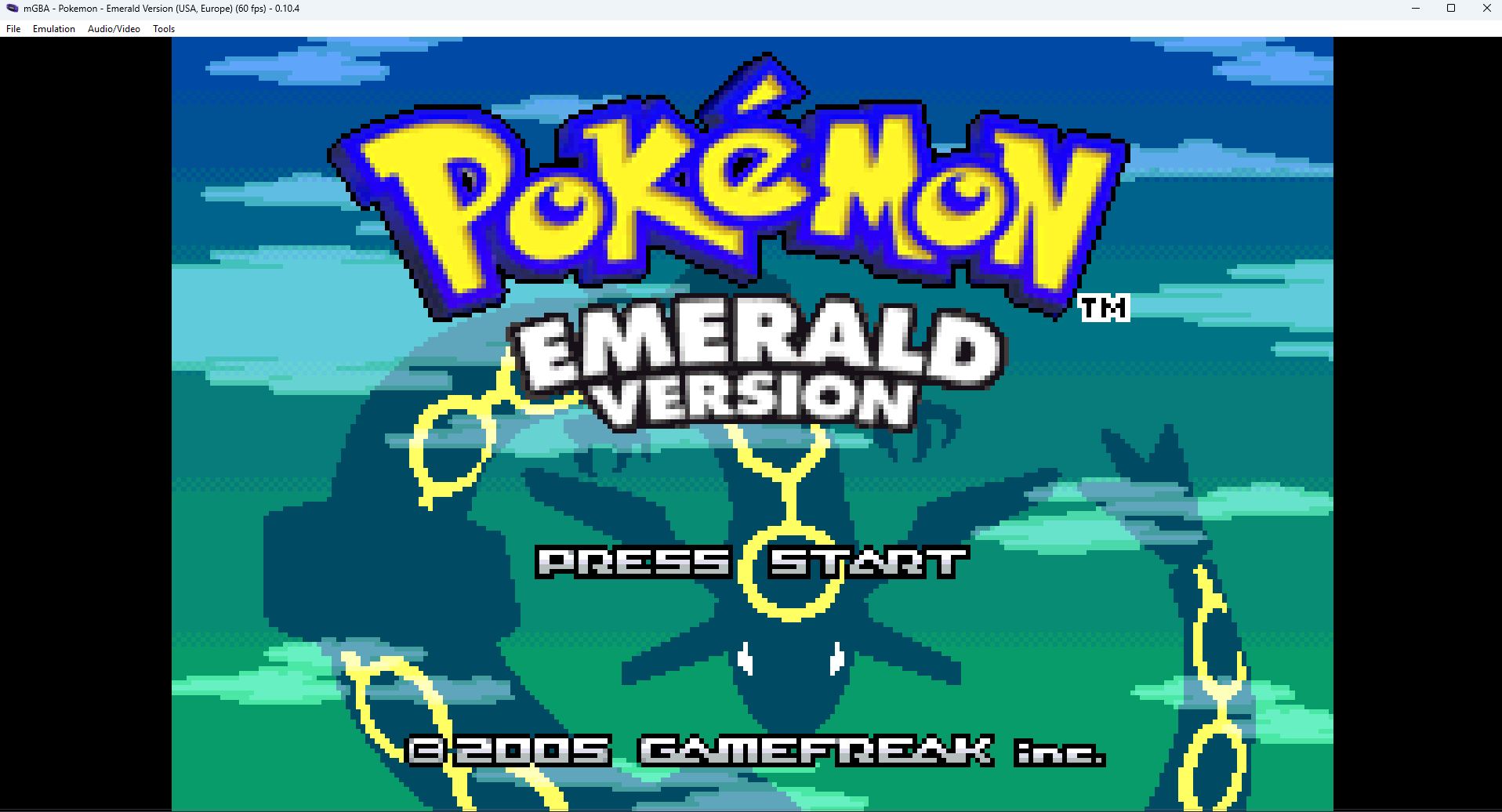
Both emulators can run almost all GBA titles. Pokemon FireRed and Emerald work flawlessly on both, including all mainline GBA Pokemon games. However, it’s a different story when it comes to ROM hacks, especially freshly patched ones.
Maybe it’s because of its age, but I always end up with compatibility issues on VBA when I patch ROMs myself. The same ROM hacks work on mGBA without any issues. So if you like playing ROM hacks, mGBA is the obvious choice.
👍 Winner: mGBA
Graphics and Visual Quality
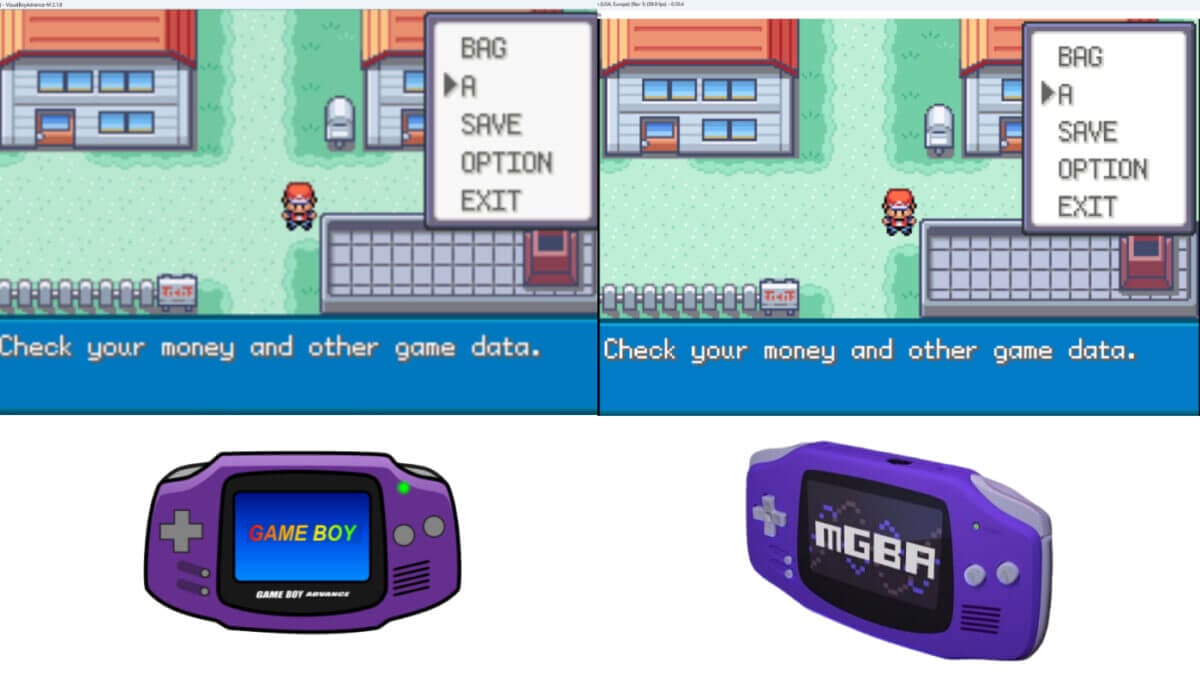
They also display games at the correct resolution and allow you to resize the window or go full screen. Texts are also very clear on both.
But if we look at them side by side, mGBA’s visuals are sharper and cleaner. Scaling looks better, colors pop more, and the overall image quality is just better. VBA still looks decent, but on a bigger monitor, mGBA’s scaling is just better.
When I switched from VBA to mGBA, I felt like I had a texture mod on.
👍 Winner: mGBA
Control Customization
Controls are super important in any game.VBA and mGBA both allow you to remap keyboard keys and set up controllers for gameplay. You also have great freedom when it comes to key binds.
Shortcuts and hotkeys are also pretty convenient, and you won’t find these two lacking in this area. I’d say we have a tie when it comes to controls.
✌️ Winner: TIE
Cheat Support
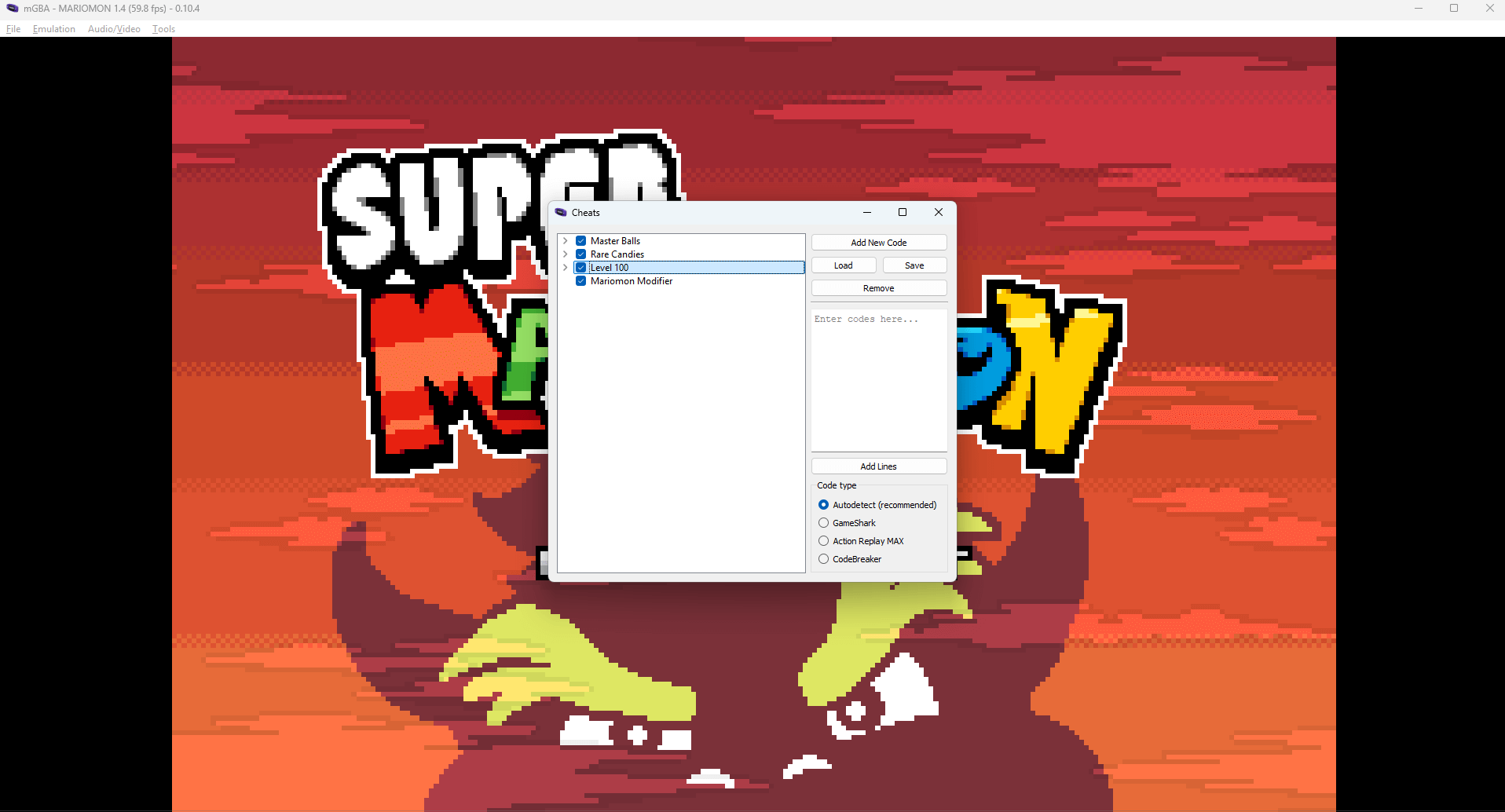
We love cheats, and we collect cheat codes for many Pokemon games. Though cheats aren’t essential and often cause issues, they can definitely make your gameplay more enjoyable.
VBA and mGBA both allow cheats and support Gameshark, Action Replay, CodeBreaker, and other formats.
You can add codes, enable/disable them, and use multiple at once. However, there are tons of cheats that don’t work with VBA but work in mGBA. Additionally, mGBA has the most advanced features when it comes to cheating. The clear winner for cheat users is mGBA.
👍 Winner: mGBA
Related:
Save Files and Save States
This is one of the best features offered by these emulators that isn’t available on the original GBA.
The ability to save and reload at any moment. Both of them allow in-game saves and multiple save states, letting you quickly reload progress.
They are pretty reliable, and I even have an 11-year-old Emerald save state for Emerald that I keep on revisiting when Nostalgia hits.
Oh, you can also transfer your save states and save files and use them from one emulator to another.
✌️ Winner: TIE
Extra Features and Quality of Life

The extra features on emulators make the quality of life or gaming experience with GBA games much more enjoyable.
Both emulators pack lots of features, including fast-forward, pause/resume emulation, save states, screen resizing, and local link cable emulation. They are a complete package for most players.
However, mGBA wins with the availability of a rewind option. This is a complete lifesaver in Pokemon games if you miss a shiny, misclick in battle, or accidentally delete a move.
Also, this feature can be useful if you tend to forget your save states while playing, like me.
👍 Winner: mGBA
Development and Updates
VBA still works fine for what it does, and it served us well for over a decade. Its VBA-M fork receives occasional attention.
However, mGBA is actively updated and improved. Every few months, there’s a new version with bug fixes and added features. This active development is why it’s so stable and why it stays compatible with modern hacks.
👍 Winner: mGBA
Conclusion
mGBA and VisualBoyAdvance have served us well over the years. Through them, we’ve created countless memories, replayed our favorite titles, and relived our childhood adventures in the GBA era. For that, they both deserve credit.
However, it’s crystal clear that mGBA takes the crown for GBA emulators. With its smoother performance, sharper visuals, better ROM hack compatibility, and extra features like rewind, it stands miles ahead.
And with consistent development and updates, it’s only bound to get even better. Thank you, VisualBoyAdvance, we’ll never forget you, but it’s time to move on.

Using shaders in mgba is a nightmare, I had to go back to vba just for that.
Thanks for sharing your thoughts.